Exit Maintenance Mode
Exiting Maintenance Mode in NCache restores the cluster to its fully operational state, re-enabling automatic state transfer and data rebalancing. You can exit the Maintenance Mode, once you've concluded your patching or upgrading operations for a cluster, through the steps provided below using the NCache Management Center.
Using the NCache Management Center
Launch the NCache Management Center by browsing to http://localhost:9801 or
<server-ip>:9801.In the left navigation bar, click on Clustered Caches or Local Caches, based on the cache to be configured.
Check the box against the cache from which you want to exit the Maintenance Mode.
Click on "..." against the cache and select Exit Maintenance Mode.
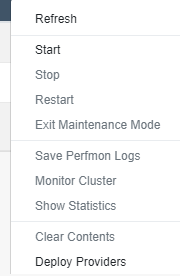
- You will receive a prompt asking for confirmation.
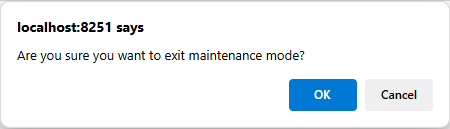
- Click OK and you will receive a success notification that your cache has exited from the Maintenance Mode.
